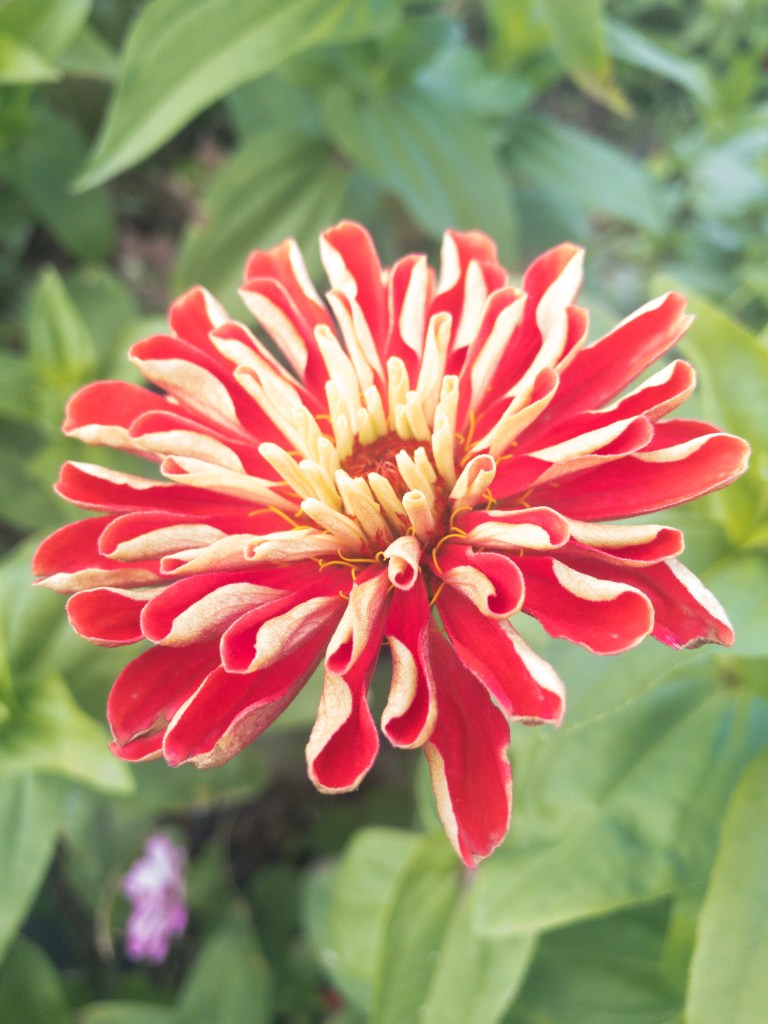
Before 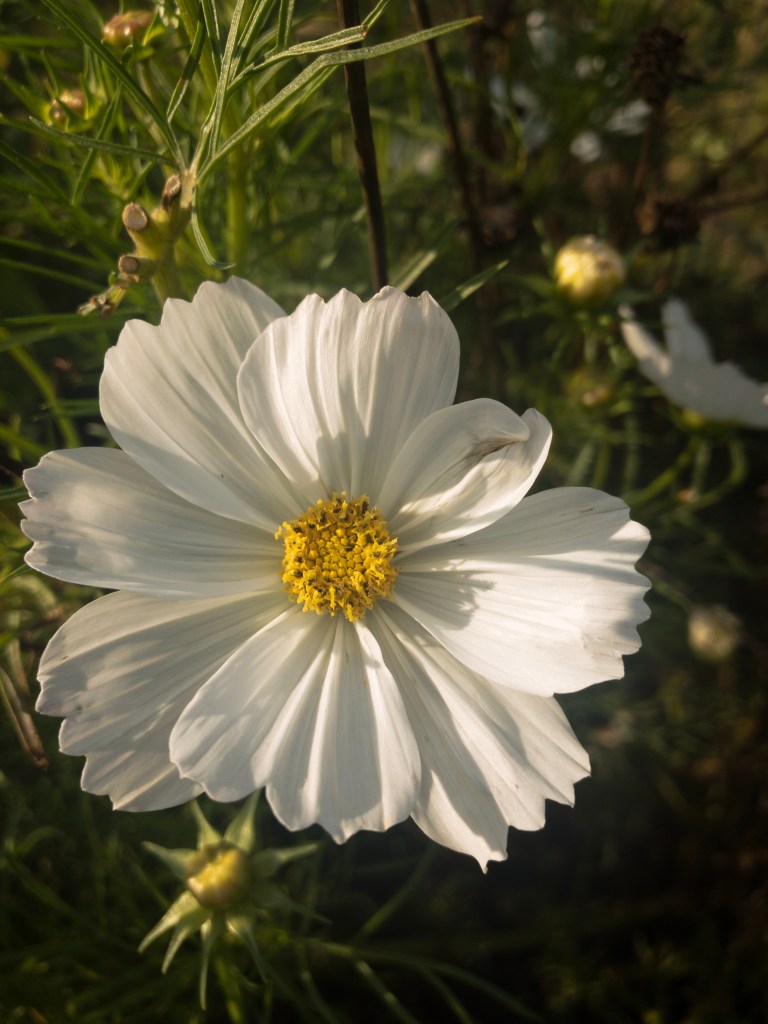
Before 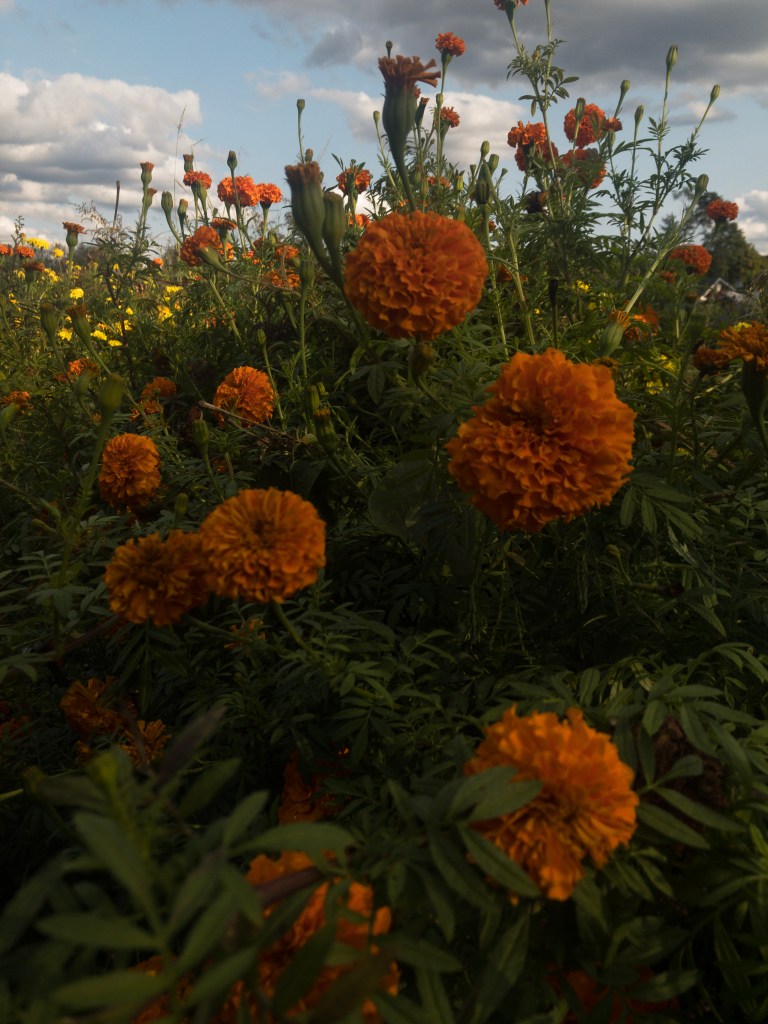
Before 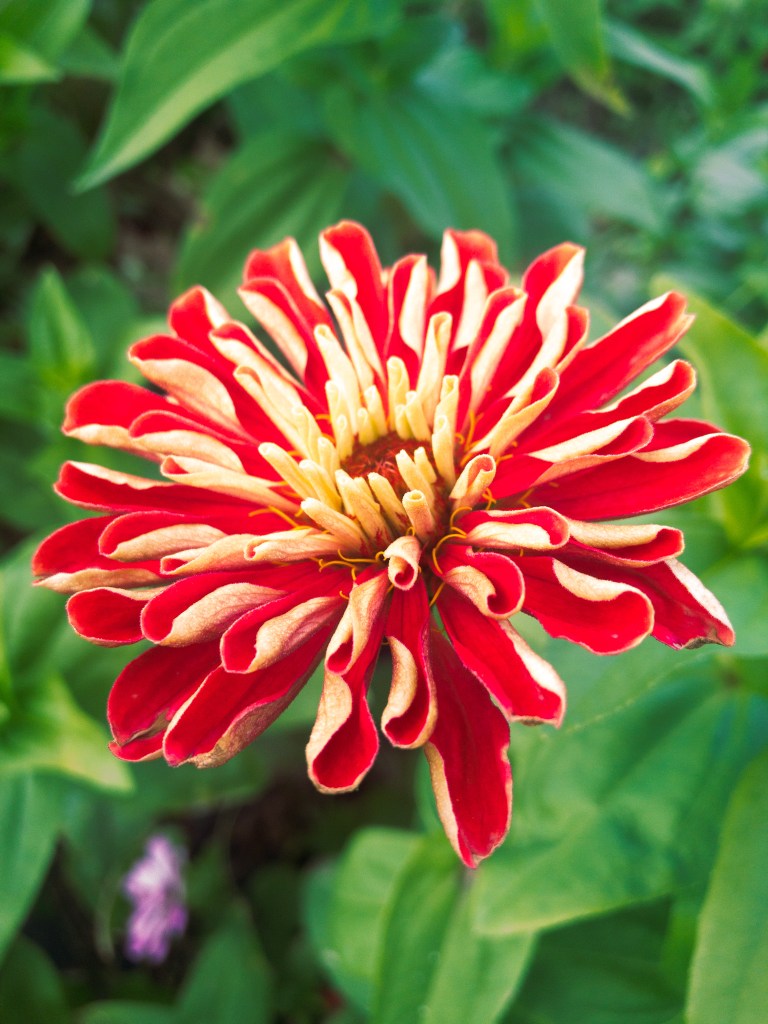
After 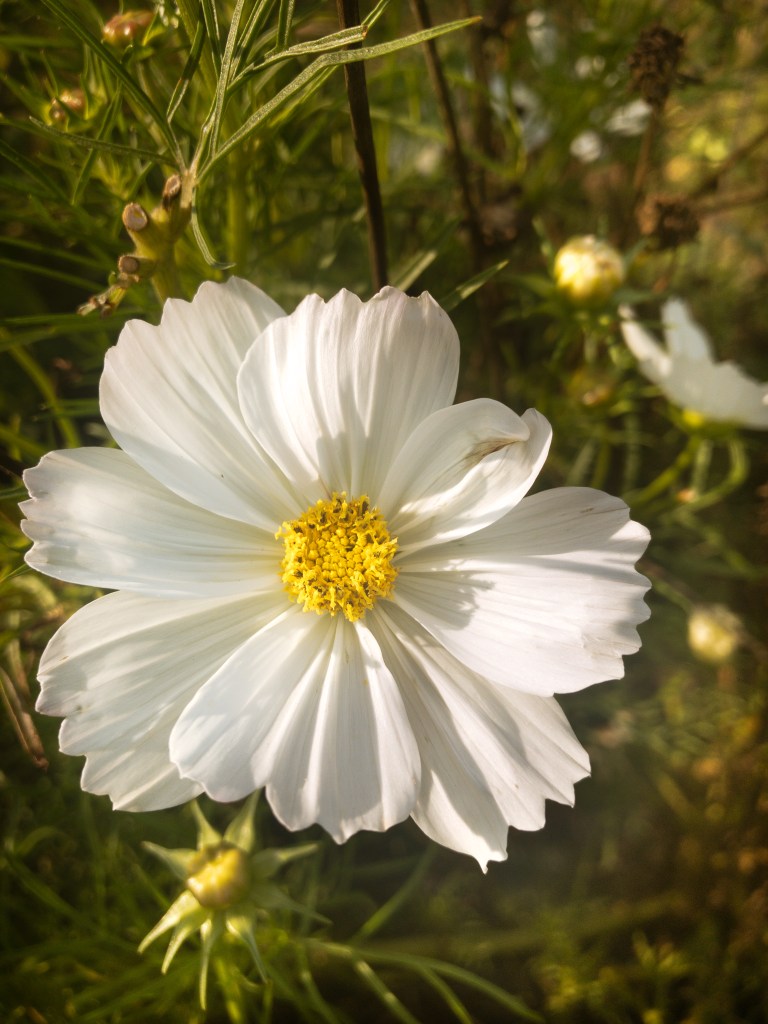
After 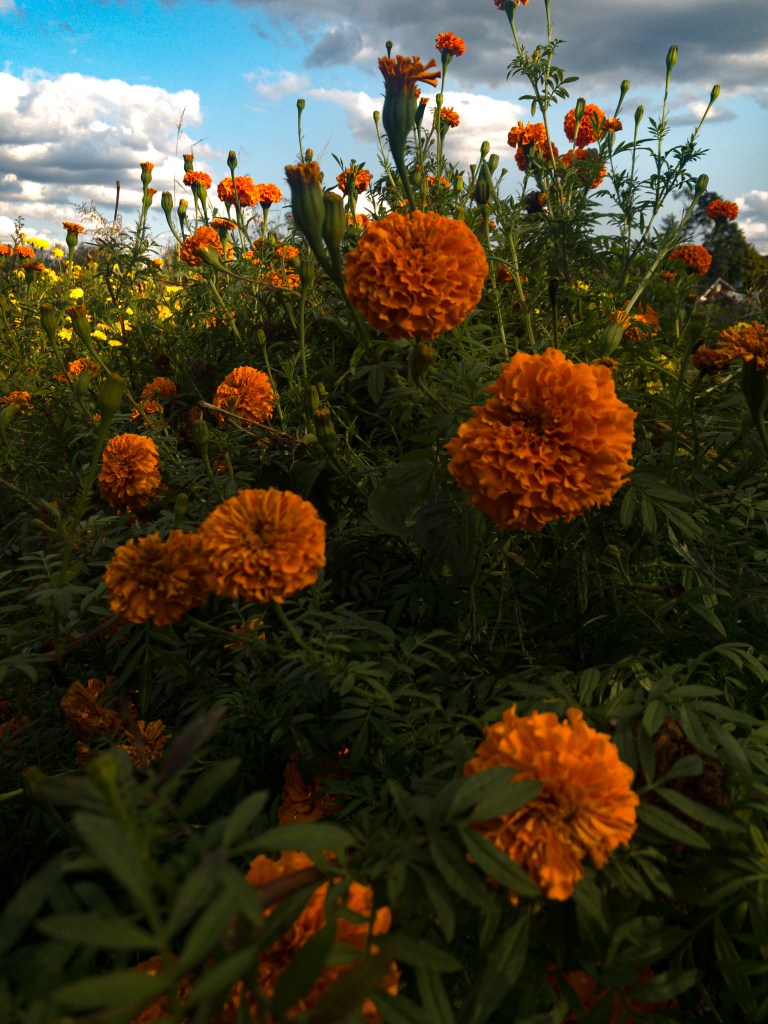
Using the Tone Curve: https://www.youtube.com/watch?v=WPv505BDD7I&ab_channel=SignatureEdits
Shaping the Light & Mood: https://www.youtube.com/watch?v=z4OpNzDv9kE&feature=emb_logo&ab_channel=PiXimperfect
After watching the two videos I was able to incorporate the new skills as well as combining previous editing skills into the photos. For the first picture, I mainly focused on using the tone curve. The tone curve was something that I ignored because it looked way too advanced, but taking the time to learn how to properly use it helped me to dive deeper into my own photography skills. When using the tone curve you have to think about the primary colors of photography: Red, Green, and Blue (RGB). You can use the graph to focus on the entire RGB and focus on the whites and blacks, or you can select the specific colors (between red, green, and blue) in order to bring out or hide those certain colors. For the photo, I didn’t like the way the green in the background looked so I choose to add more green to the frame. Secondly, I wanted the red to have a little more “pop” to it so I focused on the reds to give it more color. Lastly, I wanted the flower to have a little more texture so I used the presets to up the texture a little bit. For the second and third picture, I focused on shaping the light. The first thing you can notice is that the after pictures have a little more “life” to them. Since I was taking pictures of such beautiful flowers I wanted the mood to be light and happy. I used multiple brushes on each picture to bring out certain aspects. For the white flower, I gave highlights to the flower itself as well as the background. The green leaves were a little too dark so I made them brighter as well as add a yellow color to them. In addition, I used split toning to have the shadows give a more yellow color, and I cooled down the flower by adding a hint of blue. Finally, I made the sky in the last photo bluer and brighter using the brushes. I also used the gradient filter to give a natural change in highlight. And, to make the flowers really shine I made the orange more prominent.
 Photo IV Gabby Warner